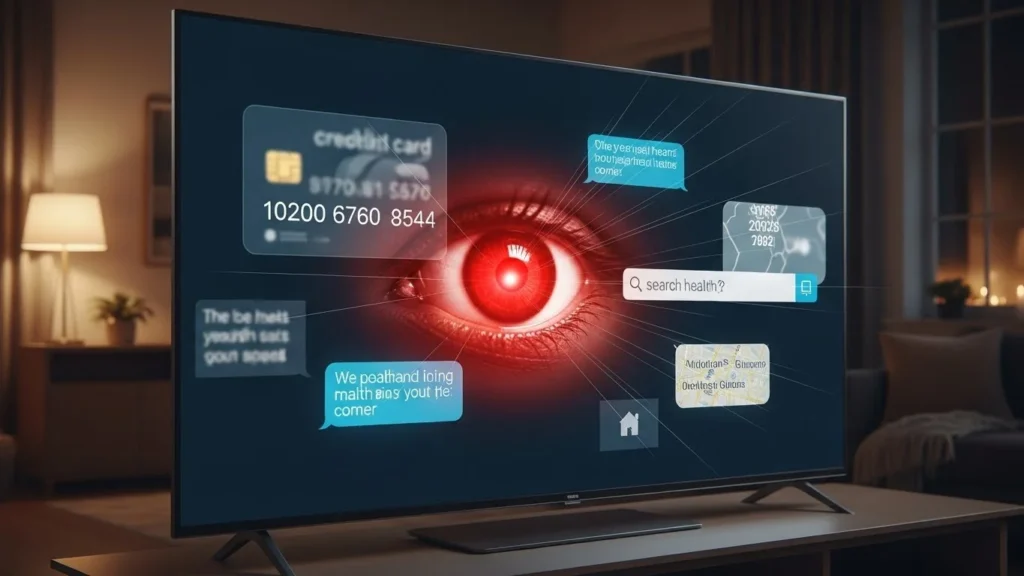
The quiet device no one suspects
Your phone feels personal.
Your laptop feels sensitive.
Your TV?
It feels harmless.
It sits across the room, plays shows, and fades into the background of daily life. That’s exactly why smart TVs have become one of the least questioned — and most data-rich — devices in modern homes.
Most people worry about phones listening.
Very few wonder what their TV is learning.
Why Smart TVs Became Data Machines
A smart TV isn’t just a screen.
It’s a computer connected to:
- The internet
- Advertising networks
- Streaming platforms
- Voice assistants
- Software updates
TV manufacturers realized something important:
Viewing behavior is incredibly valuable.
What you watch, when you watch, how long you pause, and what you skip tells a detailed story about:
- Interests
- Mood
- Lifestyle
- Household composition
That story can be monetized — quietly.
1. Automatic Content Recognition (ACR): The Biggest Risk Most People Miss
Many smart TVs use Automatic Content Recognition (ACR).
This technology:
- Identifies what’s on your screen in real time
- Works across apps, live TV, HDMI inputs, and consoles
- Matches content to massive databases
ACR doesn’t care how you watch.
It cares what you watch.
That means:
- Streaming apps
- Cable boxes
- Gaming consoles
- Screen mirroring
All become sources of viewing data.
Most users never realize this feature exists — let alone that it’s often enabled by default.
2. Viewing Habits Are More Personal Than You Think
Your TV doesn’t just log titles.
It can infer:
- When you’re home
- Bedtime routines
- Weekend patterns
- Family vs solo viewing
- Age groups in the household
A home watching cartoons in the morning and crime dramas at night reveals more than entertainment taste.
It reveals life rhythms.
Advertisers love rhythm.
3. Smart TV Ads Are Not “Generic”
Connected TV advertising is highly targeted.
Smart TVs can link:
- Viewing data
- IP address
- Household device patterns
This allows ads to be:
- Time-specific
- Mood-specific
- Household-specific
The ad may appear on:
- The TV
- Your phone
- Your tablet
It feels coincidental.
It’s coordinated.
4. Voice Recognition Isn’t Just for Convenience
Many smart TVs include microphones for:
- Voice search
- Assistant integration
- Accessibility features
Voice processing is often:
- Event-triggered
- Cloud-assisted
- Logged for improvement
Even when not actively “listening,” the TV may:
- Monitor for wake words
- Process short audio clips
- Store interaction metadata
This doesn’t mean constant recording — but it does mean more audio exposure than most expect.
5. App Ecosystems Multiply Data Sharing
A smart TV isn’t one service.
It’s an ecosystem.
Your TV OS connects:
- Streaming apps
- App stores
- Ad frameworks
- Analytics providers
Each app may collect:
- Usage duration
- Interaction patterns
- Error logs
- Device identifiers
One show watched across multiple apps becomes a unified behavioral signal.
6. Data Sharing With “Partners” Is Broad by Design
Privacy policies often mention sharing with:
- Service providers
- Advertising partners
- Measurement companies
These terms are intentionally broad.
They allow:
- Aggregated data sharing
- Pseudonymized profiles
- Cross-platform measurement
It’s usually legal.
It’s rarely understood.
7. Software Updates Can Expand Data Collection
Smart TV updates don’t just fix bugs.
They can:
- Introduce new tracking features
- Enable previously dormant settings
- Expand ACR capabilities
Unlike phones, TVs rarely prompt users to review changes.
Updates happen quietly — sometimes overnight.
8. Smart TVs Are Harder to Secure Than Phones
Phones receive:
- Frequent security patches
- Clear permission prompts
- App-level controls
Smart TVs often have:
- Slower update cycles
- Limited user controls
- Older software components
Once connected, they tend to stay connected — quietly and indefinitely.
9. HDMI Devices Don’t Protect You
A common assumption:
“I only use a streaming stick or console — not the TV’s apps.”
ACR can still identify:
- What’s displayed on screen
- Frame patterns
- Audio fingerprints
Your TV can recognize content even when it didn’t deliver it.
This surprises most people.
10. Privacy Controls Exist — But Are Buried
Most smart TVs do offer controls.
They’re just:
- Hard to find
- Poorly explained
- Spread across menus
Settings related to:
- Viewing data
- Ad personalization
- Voice services
Are often enabled by default.
Convenience wins unless users intervene.
11. The Living Room Feels Safe — So Awareness Drops
Context matters.
We’re alert on phones.
Cautious on laptops.
But in the living room?
- Guards drop
- Habits feel private
- Attention softens
That’s what makes smart TVs uniquely powerful from a data perspective.
They live where defenses are lowest.
Smart TV vs Smartphone Privacy: A Quick Comparison
| Aspect | Smart TV | Smartphone |
|---|---|---|
| User Awareness | Low | High |
| Permission Prompts | Rare | Frequent |
| Data Transparency | Limited | Improving |
| Update Visibility | Low | High |
| Primary Data | Viewing habits | Behavior + location |
Smart TVs collect less types of data — but with less scrutiny.
Why This Matters Today (Without Panic)
Smart TVs are becoming central hubs:
- Streaming
- Gaming
- Home control
- Voice assistants
As homes get smarter, TVs become behavior anchors.
Ignoring their privacy impact doesn’t stop data collection.
It just removes choice.
Common Mistakes People Make
- Skipping setup privacy screens
- Leaving default ad settings on
- Assuming “no camera” means no tracking
- Forgetting TVs are internet devices
- Never reviewing TV settings again
These aren’t careless users.
They’re normal ones.
What You Can Actually Do (That Helps)
You don’t need to unplug your TV.
Just make a few intentional choices.
Practical steps:
- Disable Automatic Content Recognition
- Turn off ad personalization
- Review voice assistant settings
- Limit app installations
- Update firmware manually when possible
Major platforms from companies like Samsung, LG, Sony, Google, and Amazon now include privacy dashboards — but users must seek them out.
A Hidden Tip Most People Miss
If you:
- Use an external streaming device
- Disable the TV’s smart features
- Avoid signing into manufacturer accounts
You can significantly reduce data collection — while keeping picture quality and functionality.
Why Transparency Beats Fear
Smart TVs aren’t villains.
They’re products designed around:
- Advertising revenue
- Content insights
- Competitive ecosystems
When users understand this, they make better choices.
Awareness doesn’t ruin convenience.
It balances it.
Key Takeaways
- Smart TVs collect more data than most people realize
- Automatic Content Recognition is the biggest hidden risk
- Viewing habits reveal lifestyle patterns
- Default settings favor data collection
- Small adjustments restore meaningful control
Frequently Asked Questions
Do smart TVs record conversations?
Most don’t record continuously, but voice features may process short audio when activated.
Can smart TVs track HDMI content?
Yes. ACR can identify what appears on screen regardless of source.
Are older smart TVs safer?
Not necessarily. Older models often receive fewer security updates.
Does turning off Wi-Fi solve the problem?
It stops data transmission, but also limits smart features.
Is it worth adjusting settings?
Yes. Even small changes reduce unnecessary data sharing.
A Calm, Honest Conclusion
Your smart TV isn’t spying in secret.
It’s doing what it was designed to do — collect insight quietly.
When you understand that design, you regain choice.
And in your own living room,
choice is the privacy that matters most.
Disclaimer: This article is for general educational awareness and reflects common smart TV features and practices that may vary by brand, model, and user settings.

Natalia Lewandowska is a cybersecurity specialist who analyzes real-world cyber attacks, data breaches, and digital security failures. She explains complex threats in clear, practical language so everyday users can understand what really happened—and why it matters.