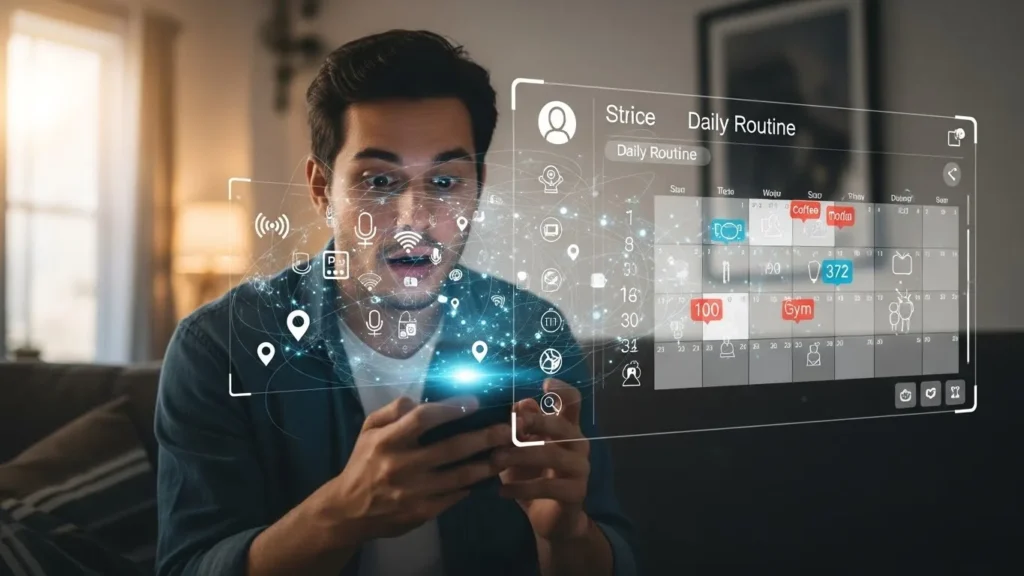
The Uncomfortable Feeling We All Ignore
Have you ever thought this?
“I didn’t ask for that… so how did it know?”
Your voice assistant suggests a commute update before you open the door.
It lowers the lights right when you usually relax.
It reminds you of tasks you didn’t schedule.
It feels helpful.
It also feels… unsettling.
This isn’t coincidence.
And it isn’t magic.
Voice assistants don’t need to “listen all the time” to understand you.
They learn something far more powerful:
And once routines are mapped, predicting you becomes easy.
What People Get Wrong About Voice Assistants
Most people think voice assistants only work when you say a wake word like “Hey…”
That’s only partly true.
While they may not actively record conversations nonstop, they constantly observe patterns, including:
- When you speak
- What you ask
- Where you are
- Which devices activate together
Patterns matter more than words.
The Big Secret: Routine Intelligence
Voice assistants don’t just respond.
They predict.
Routine intelligence means learning:
- What usually happens
- When it happens
- What triggers it
- What comes next
Once these patterns repeat, your assistant doesn’t need permission every time.
It anticipates.
How Voice Assistants Quietly Learn Your Routine
1. Time-Based Repetition
Ask for weather updates at 7:30 AM enough times, and the assistant learns:
Morning = information mode
Even if you stop asking, it may still suggest updates proactively.
2. Location Signals (Even Without GPS Prompts)
Your phone, Wi-Fi, Bluetooth, and smart home devices quietly confirm:
- When you leave
- When you return
- How long you stay
No map needed. Patterns reveal movement.
3. Device Interaction Patterns
Lights, TV, thermostat, music—your actions create sequences.
Example:
- Lights dim → TV turns on → assistant hears nothing for hours
That’s interpreted as rest time.
4. Voice Tone & Command Style
You don’t just speak what you want.
You speak how you want it.
Voice assistants analyze:
- Speed
- Volume
- Urgency
- Word choice
This refines responses and timing.
5. App & Service Integration
Calendars. Emails. Maps. Ride services.
When these connect, your assistant gains context, not just data.
Context is powerful.
6. Environmental Awareness
Ambient noise patterns tell assistants:
- When a home is active
- When it’s quiet
- When people are asleep or away
7. Cross-Device Learning
Use the same account across phone, speaker, car, and TV?
The assistant stitches behaviors together.
That’s how routines feel “seamless.”
The Main Players Behind Routine Learning
Each major assistant uses routine intelligence differently.
| Voice Assistant | Routine Strength | Privacy Emphasis | Custom Control |
|---|---|---|---|
| Amazon Alexa | Very high | Moderate | High |
| Google Assistant | Extremely high | Moderate | Moderate |
| Apple Siri | High | Strong | Limited |
No assistant is “evil.”
But their design priorities differ.
Why This Matters More Than People Think
Routine data is predictive power.
Once a system knows:
- When you wake
- When you leave
- When you relax
- When you sleep
It knows when you’re vulnerable, distracted, or busy.
That’s valuable—not just for convenience, but for influence.
Real-Life Example: The Invisible Suggestion
You didn’t ask for music.
Yet it starts playing when you sit down.
You didn’t ask for reminders.
Yet they appear during stress-heavy times.
This is not coincidence.
It’s behavior reinforcement.
The Line Between Helpful and Too Familiar
Most users never review their assistant’s routine settings.
That’s the mistake.
Common issues:
- Forgotten routines still running
- Old schedules triggering suggestions
- Behavior assumptions that no longer fit
Over time, the assistant knows a past version of you.
Hidden Signals You Didn’t Know You Were Sharing
- Pauses between commands
- Missed follow-ups
- Cancelled requests
- Repeated corrections
These teach the assistant what doesn’t work for you.
Silence becomes feedback.
Mistakes Most Users Make
- Never checking activity history
- Leaving default routine suggestions on
- Linking unnecessary third-party apps
- Assuming privacy = invisibility
Privacy isn’t absence.
It’s control.
How to Stay In Control (Without Turning It Off)
You don’t need to abandon voice assistants.
You need awareness.
Smart adjustments:
- Review routine settings monthly
- Disable auto-suggestions you don’t want
- Limit third-party integrations
- Use manual triggers instead of automatic ones
Small changes reduce overfamiliarity.
Why This Matters Today
We’re entering an era of ambient computing—technology that fades into the background.
When tech disappears, awareness must increase.
The more invisible systems become, the more important understanding them is.
Key Takeaways
- Voice assistants learn routines, not just commands
- Patterns matter more than individual requests
- Time, location, and silence all provide data
- Predictive behavior feels helpful—but deserves awareness
- You control more than you think, if you check settings
Frequently Asked Questions
Do voice assistants record everything I say?
No. They primarily record after wake words, but patterns don’t require recordings.
Can I delete routine history?
Yes. Most assistants allow partial or full history deletion.
Is one assistant safer than others?
Different assistants prioritize privacy differently, but user settings matter more.
Why does my assistant suggest things I never asked for?
Predictive models learn from repeated behaviors—not explicit commands.
Can I use voice assistants without routines?
Yes. Manual-only mode and limited integrations reduce routine learning.
A Simple Truth to Remember
Your voice assistant doesn’t know you.
It knows a pattern shaped by repetition.
Change the pattern, and the assistant changes too.
That’s where control really lives.
Disclaimer: This article is for educational awareness only and does not replace official privacy documentation or device-specific settings guidance.

Natalia Lewandowska is a cybersecurity specialist who analyzes real-world cyber attacks, data breaches, and digital security failures. She explains complex threats in clear, practical language so everyday users can understand what really happened—and why it matters.