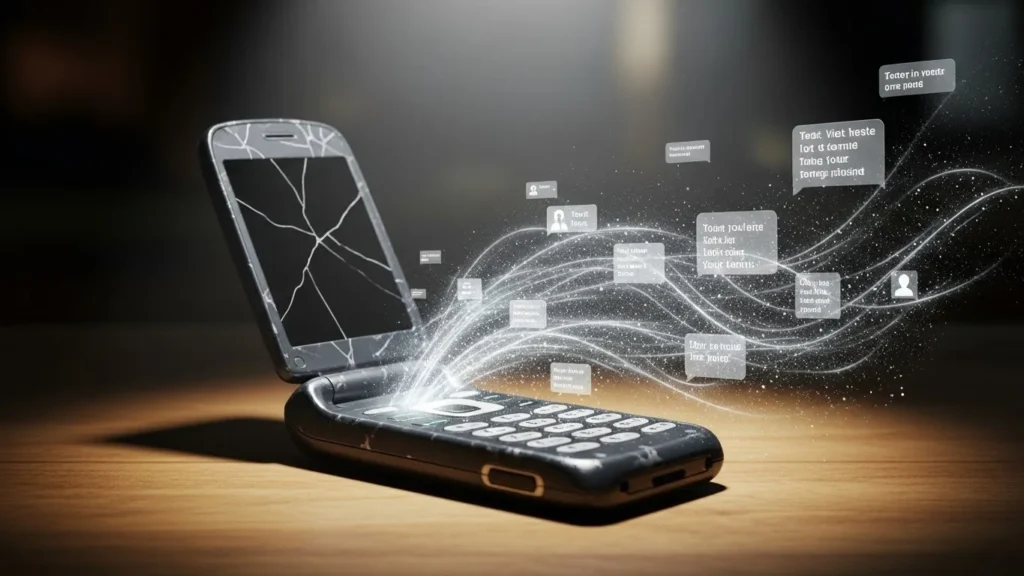
The Phone You Forgot Might Remember Everything
Almost everyone has one.
A phone in a drawer.
A device in a cupboard.
An old smartphone kept “just in case.”
It feels harmless.
Inactive.
Disconnected from your life.
But here’s the uncomfortable truth:
Old phones don’t automatically stop being part of the digital world.
Even unused, outdated, or “dead” phones can still leak personal information in ways most people never consider.
Why Old Phones Are More Dangerous Than Active Ones
New phones receive:
- Security patches
- App updates
- Privacy controls
Old phones don’t.
That gap matters.
Outdated devices quietly become soft targets—not because you’re careless, but because time itself weakens them.
Security isn’t about intention.
It’s about maintenance.
What Personal Data Old Phones Still Contain
Even if you stopped using the device years ago, it may still hold:
- Saved emails and attachments
- Login tokens for apps
- Photos, videos, and metadata
- Contacts and call history
- Wi-Fi passwords
- Location history
- Cached cloud data
Deleting apps doesn’t always delete data.
The Myth: “It’s Offline, So It’s Safe”
This belief causes more leaks than hackers ever could.
Old phones often:
- Automatically reconnect to Wi-Fi
- Sync when powered on
- Retain Bluetooth pairing
- Store offline-accessible data
One accidental charge can quietly wake everything up.
Real-Life Example Most People Miss
You sell an old phone.
You reset it—quickly.
But:
- SD cards remain untouched
- Cached files survive
- System partitions retain fragments
Digital forensics doesn’t need full access.
Fragments are enough.
How Old Phones Leak Data Without You Using Them
1. Stored App Tokens and Sessions
Many apps save authentication tokens.
That means:
- Email accounts
- Cloud storage
- Social media access
Remain partially accessible—even without passwords.
2. Unpatched Security Vulnerabilities
Older operating systems stop receiving fixes.
This applies to both:
- Android
- Apple iOS
Once updates stop, known vulnerabilities stay open.
Forever.
3. Cloud Sync Reconnection
Turn on the phone.
Connect to Wi-Fi.
Suddenly:
- Emails sync
- Photos update
- Messages download
The device quietly rejoins your digital ecosystem.
4. SIM Cards You Forgot to Remove
Inactive SIMs can still:
- Receive verification codes
- Identify accounts
- Enable carrier tracking
SIM cards are tiny—but powerful.
5. Bluetooth and Nearby Device Exposure
Old phones may still advertise:
- Device IDs
- Hardware fingerprints
Even without screens unlocked.
The Resale and Recycling Risk
When phones change hands, privacy often doesn’t.
Common mistakes:
- Factory reset without encryption
- Forgetting secondary storage
- Skipping account removal
- Not logging out of services
A reset is not the same as secure erasure.
Old Phones vs New Phones: Risk Comparison
| Factor | Old Phone | New Phone |
|---|---|---|
| Security updates | ❌ Stopped | ✅ Ongoing |
| App compatibility | ❌ Limited | ✅ Full |
| Encryption strength | ⚠️ Outdated | ✅ Modern |
| Data exposure risk | 🔴 High | 🟢 Lower |
| User awareness | ❌ Low | ✅ Higher |
Time doesn’t just age hardware.
It weakens protection.
Why This Matters Today
We reuse phones more than ever.
Hand-me-downs.
Backup devices.
Secondary phones for travel or work.
Each device becomes a data echo of your life at a moment in time.
The older it is, the less protected that echo becomes.
Hidden Data People Forget to Remove
- Browser autofill
- Download folders
- Offline maps
- Health app summaries
- Messaging backups
These don’t disappear unless intentionally cleared.
The Most Common Mistakes People Make
- Assuming factory reset = secure wipe
- Forgetting SD cards
- Leaving accounts logged in
- Powering devices “one last time”
- Selling phones without encryption
None of these feel dangerous—until they are.
How to Secure Old Phones Properly
You don’t need fear.
You need steps.
Before selling, storing, or discarding:
- Remove all accounts manually
- Encrypt device before resetting
- Securely wipe internal and external storage
- Remove SIM and memory cards
- Deregister device from cloud accounts
- Avoid powering it on unnecessarily
Privacy is procedural.
When Keeping an Old Phone Is Actually Risky
Keeping phones “just in case” creates:
- Forgotten vulnerabilities
- Unmonitored data stores
- Accidental reactivation
If you keep it, secure it.
If you don’t need it, dispose responsibly.
Key Takeaways
- Old phones don’t become private automatically
- Data fragments often survive resets
- Outdated software increases exposure
- Cloud sync can silently reactivate devices
- Intentional cleanup is the only protection
Frequently Asked Questions
Can old phones still track location?
Yes. Stored location history and Wi-Fi reconnections can reveal movement patterns.
Is factory reset enough?
Often no—especially without encryption and manual cleanup.
Should I destroy old phones physically?
Only after proper data wiping. Physical damage alone doesn’t guarantee privacy.
Are iPhones safer than Android phones?
Both are secure when updated. Outdated devices of any brand carry risk.
What’s the safest option for unused phones?
Secure wipe, account removal, and certified recycling.
A Simple, Honest Conclusion
Old phones aren’t dangerous because they’re old.
They’re risky because they’re forgotten.
Privacy doesn’t end when usage does.
It ends when intentional closure happens.
Your digital life deserves a clean ending—not loose ends.
Disclaimer: This article is for general awareness and does not replace official device security guidance or professional digital safety advice.

Natalia Lewandowska is a cybersecurity specialist who analyzes real-world cyber attacks, data breaches, and digital security failures. She explains complex threats in clear, practical language so everyday users can understand what really happened—and why it matters.